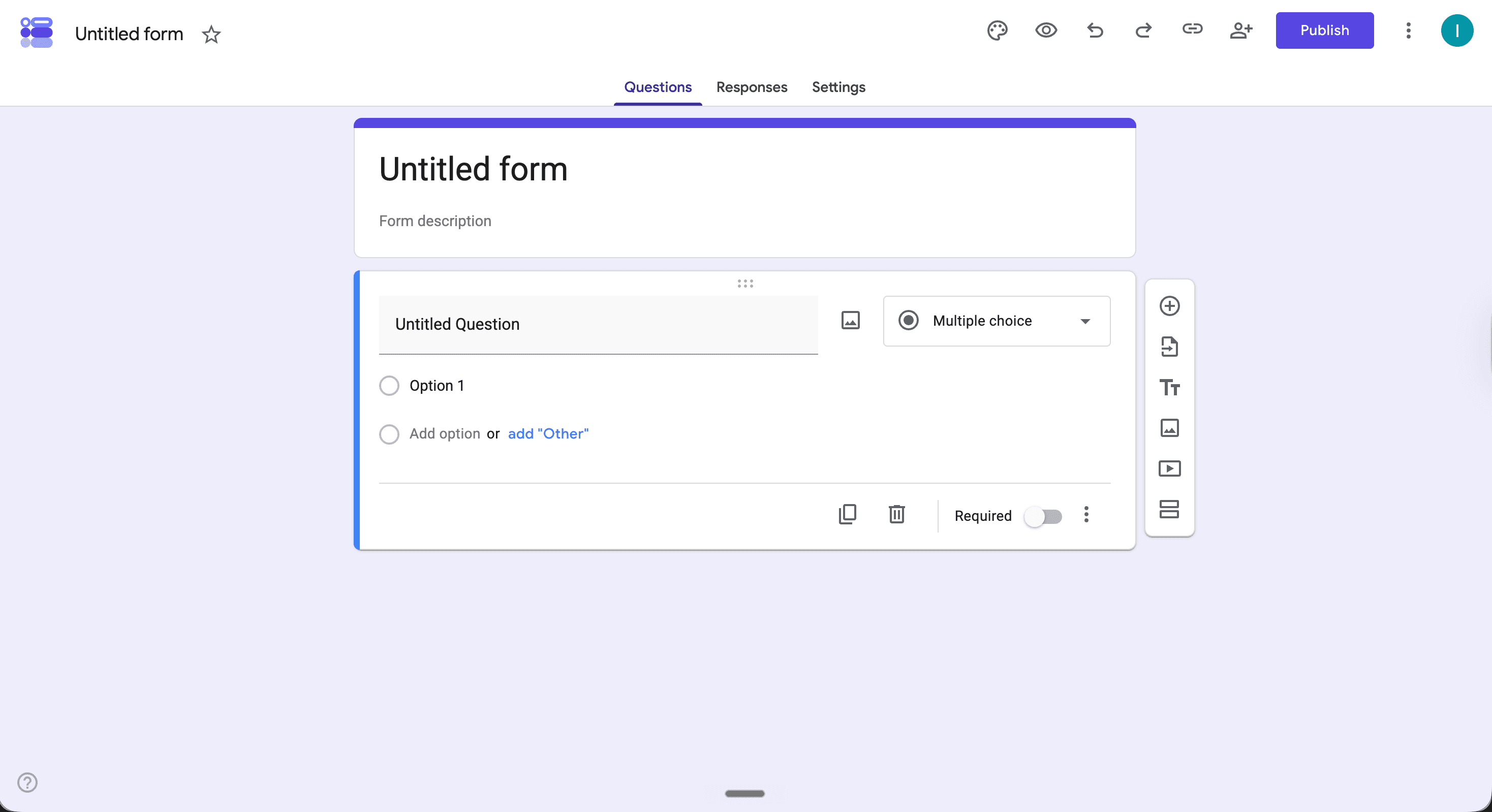
Google Forms is one of the first tools most organizers reach for when they need a registration form. It's free, it's fast to set up, and you probably already have a Google account. Here's how to get one running for your event.
Go to Google Forms and Start a New Form
Head to forms.google.com and click the blank form option. Give your form a title, something like "Vendor Application for [Market Name]" works fine. This title shows up at the top of the form when people fill it out, so make it clear.
Add Your Questions
Click the plus icon to add fields. For a basic event registration form, you'll want to collect name, business name, email, phone number, product category, and a short description of what they sell. Use the dropdown on the right to choose the field type short answer works for names and contact info, paragraph works for descriptions, and multiple choice works for categories.
Turn On Email Collection
Go to Settings, then Responses, and turn on "Collect email addresses." This saves you from having to add a separate email field and makes sure every submission includes a working address.
Set Up a Confirmation Message
Still in Settings, find the Confirmation message field and write something short. Let applicants know you received their form and when they can expect to hear back. This avoids a wave of follow-up emails asking if the form went through.
Share the Form
Hit the Send button in the top right. You can copy the link and paste it anywhere your website, social posts, or a direct message. If you want a shorter URL, check the "Shorten URL" box before copying.
Where Google Forms Falls Short
Google Forms gets you the data, but everything after that is manual. There's no way to collect booth payments, approve or deny applicants inside the form, or send vendors a text when they're accepted. If you're running a market with more than a handful of vendors, that adds up fast. If you need something built for vendor markets, read our guide on how to create a vendor registration form. Marketlly handles the application, payment, and communication in one place, and it's free to start.