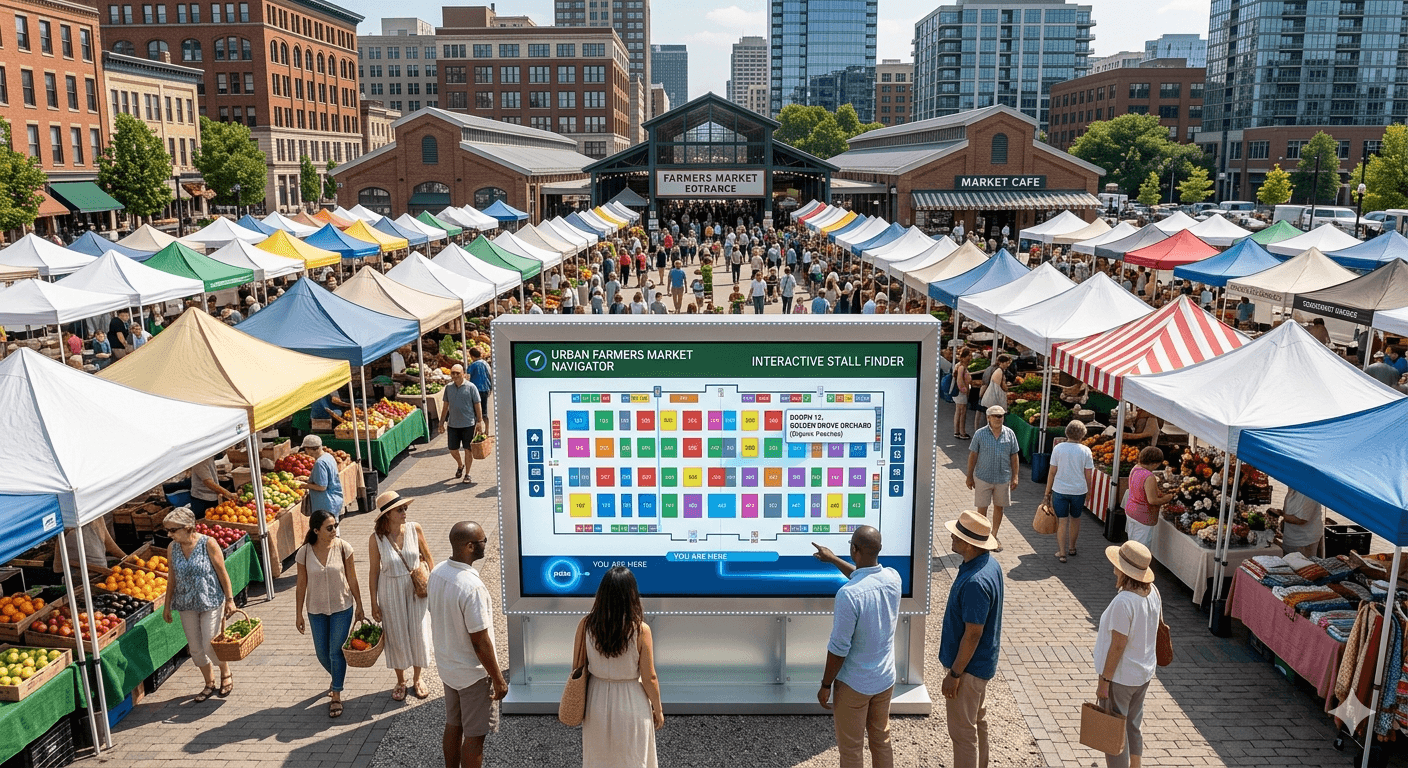
In todays article, we are going to break down how to create a map for your vendor market.
A vendor map shows attendees where every booth sits and gives each vendor a set spot before they arrive.
Most organizers start with a hand-drawn sketch or a spreadsheet, and both fall apart once the market grows. If you haven't sorted your full event setup yet, our guide on how to host a vendor market covers venue, permits, and registration before you get to the map. Here is a simple way to lay out your event the right way.
1. Pick Event Location
Pick your venue before you map anything. The shape of the space decides how booths fit, where people walk, and where your entrances and exits go.
A parking lot lies out very differently from a park lawn or a closed street, so the location drives every choice after it.
Once you’ve chosen your location, you can search for it on Marketlly, and it will automatically bring it up without having to upload an image.
2. Vendor List
You can start a map with empty booths, but it works better once you know who is coming. When you have the full list, you can spread out vendors who sell the same thing.
Two soap makers side by side split their sales, so give similar vendors space apart, and each one gets a fair shot.
With Marketlly, you have a list of vendors on the left column. You can select one them and just click on the map wherever you’d like to place them.
3. Organizing Booth Stalls
Draw every booth to scale, especially in a tight venue. A stall that looks fine on paper can block a walkway in real life. Accurate sizing also tells each vendor exactly how much room they get, which cuts down on arguments about space on the day of the event.
4. Add Labels and Markers People Can Follow
Labels and markers help everyone find their way. Mark entrances, exits, restrooms, food areas, and power access. Number each booth so a vendor can find stall 14 without asking three people.
Clear markers also keep attendees moving through the whole market instead of bunching up in one corner.
Marketlly allows you to add labels and markers that you can place around your map to help guide vendors. Or also communicate parking areas and entrances.
5. Publish & Share Your Vendor Map
Once the layout is set, get it in front of people. With Marketlly, publishing your booth map sends it to every vendor by email and SMS at the same time, so nobody shows up guessing where to go. Even after it’s live, you can go in and make edits, and everyone will see the updated map. No need to recreate one from scratch every time and send it out.
6. Plan for Event Day
Things shift once the market opens. Some vendors set up in the wrong stall, and some never open the map. Keep the booth map close so you can point people to their spot and check them in as they arrive.
If you are still sketching your layout by hand, Marketlly builds your interactive booth map and shares it the moment you publish. It is free to start.